Every visual support your room uses all day — schedules, First/Then, token boards, communication cards, calming supports, timers — on the tablet you already have. Plus 156 naturalistic teaching routines you find by whatever material is in your hands.
Built and tested in my own early-intervention classroom. Not a mockup — the thing I actually use.
English & Español iPad, tablet, phone One purchase, lifetime access
A 90-second look
See it in the room.
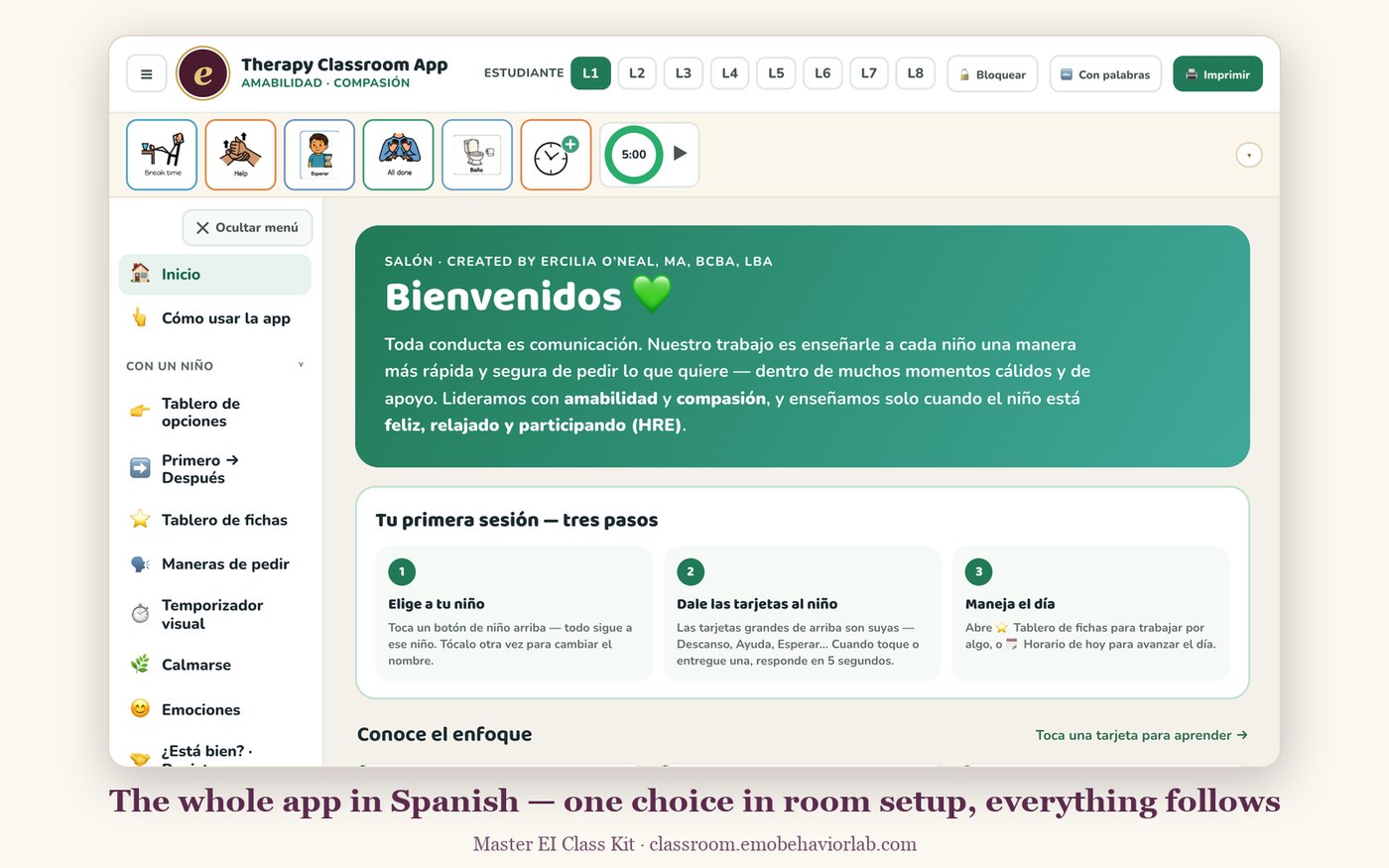
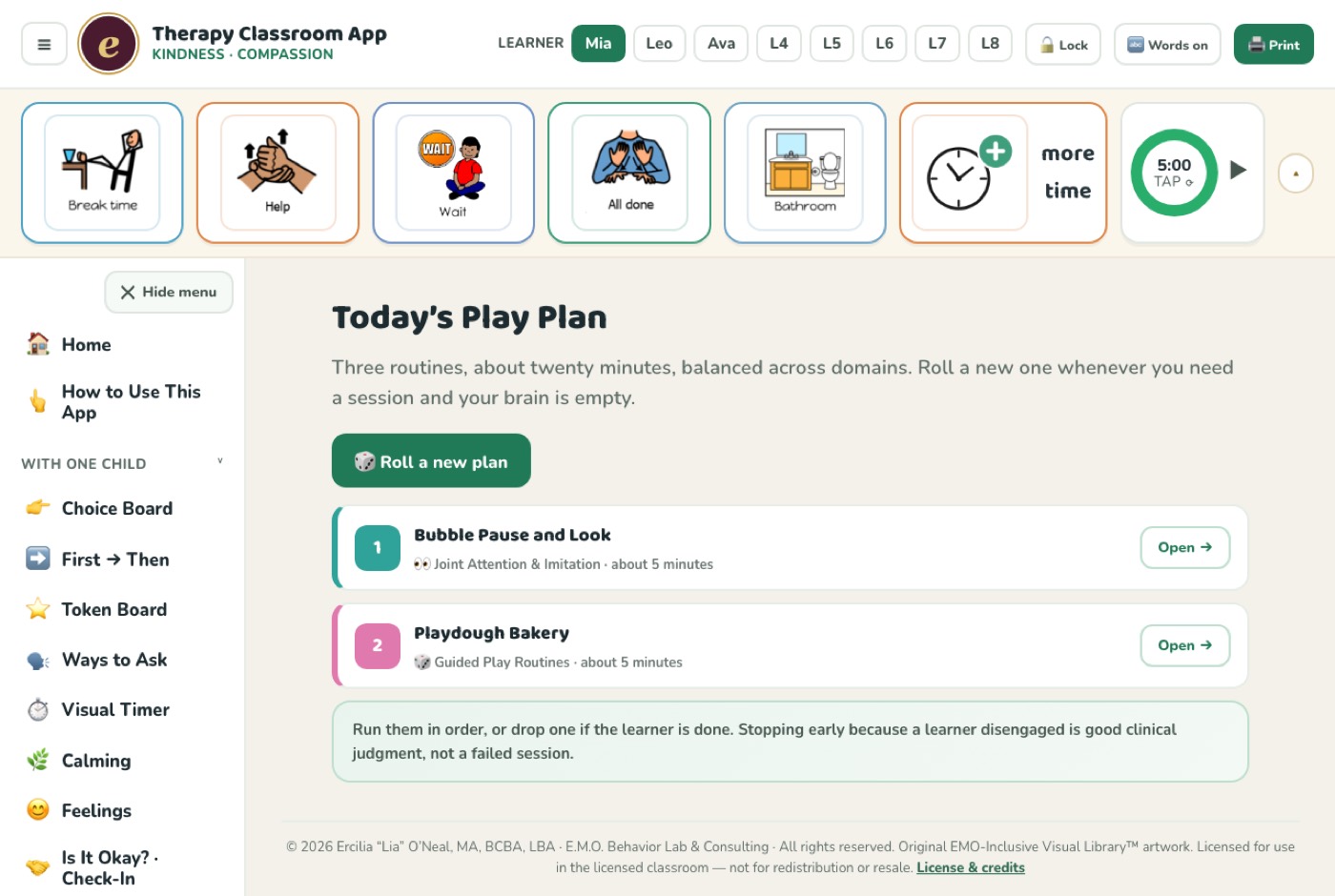
Real screens from the working app — not concept art.
Every board one tap from homeEach routine: steps, what to say, what to countToday’s visual scheduleFull Español edition
What’s inside
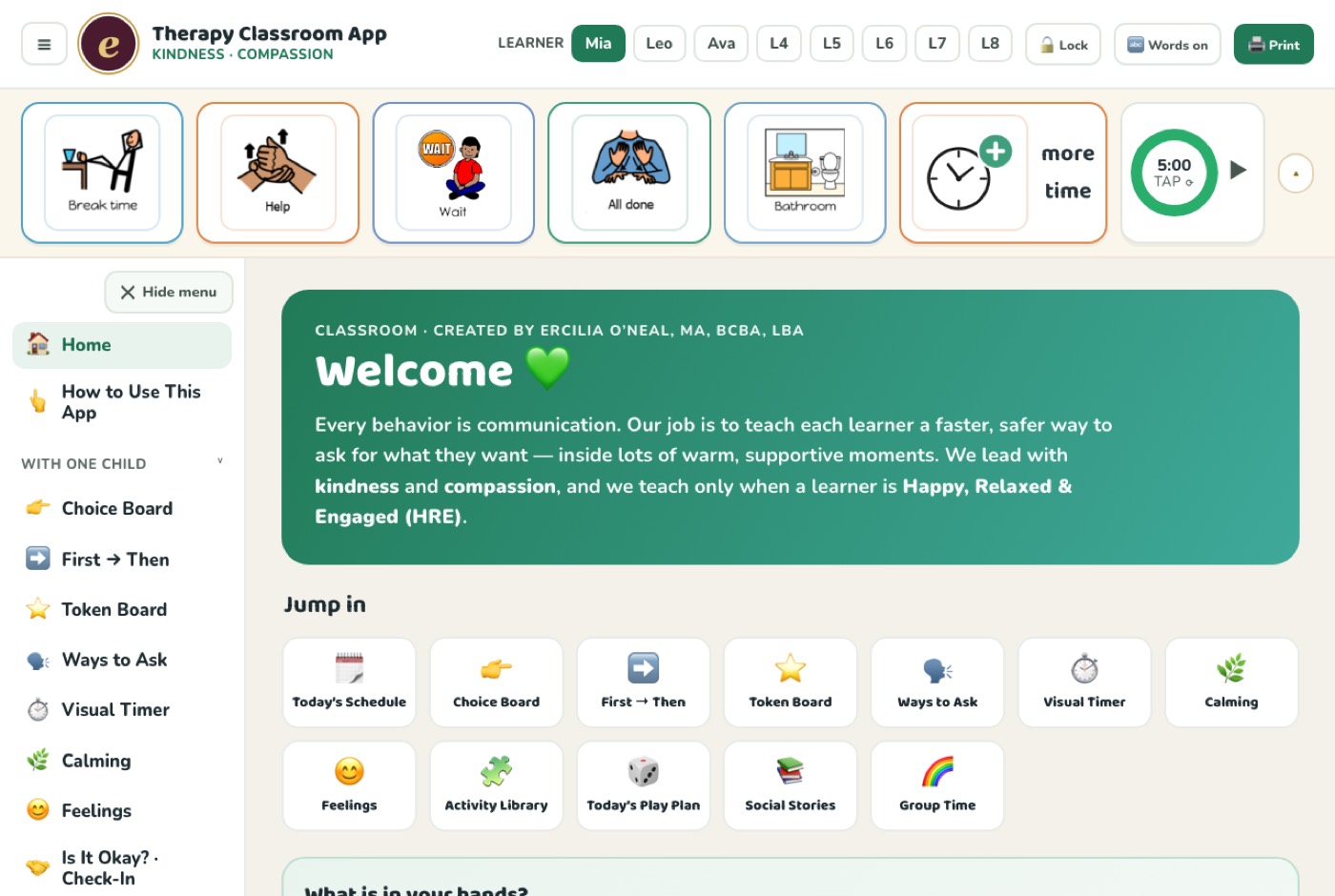
The boards you reach for every day.
Twenty-plus boards, all editable per learner, all printable, all bilingual.
01
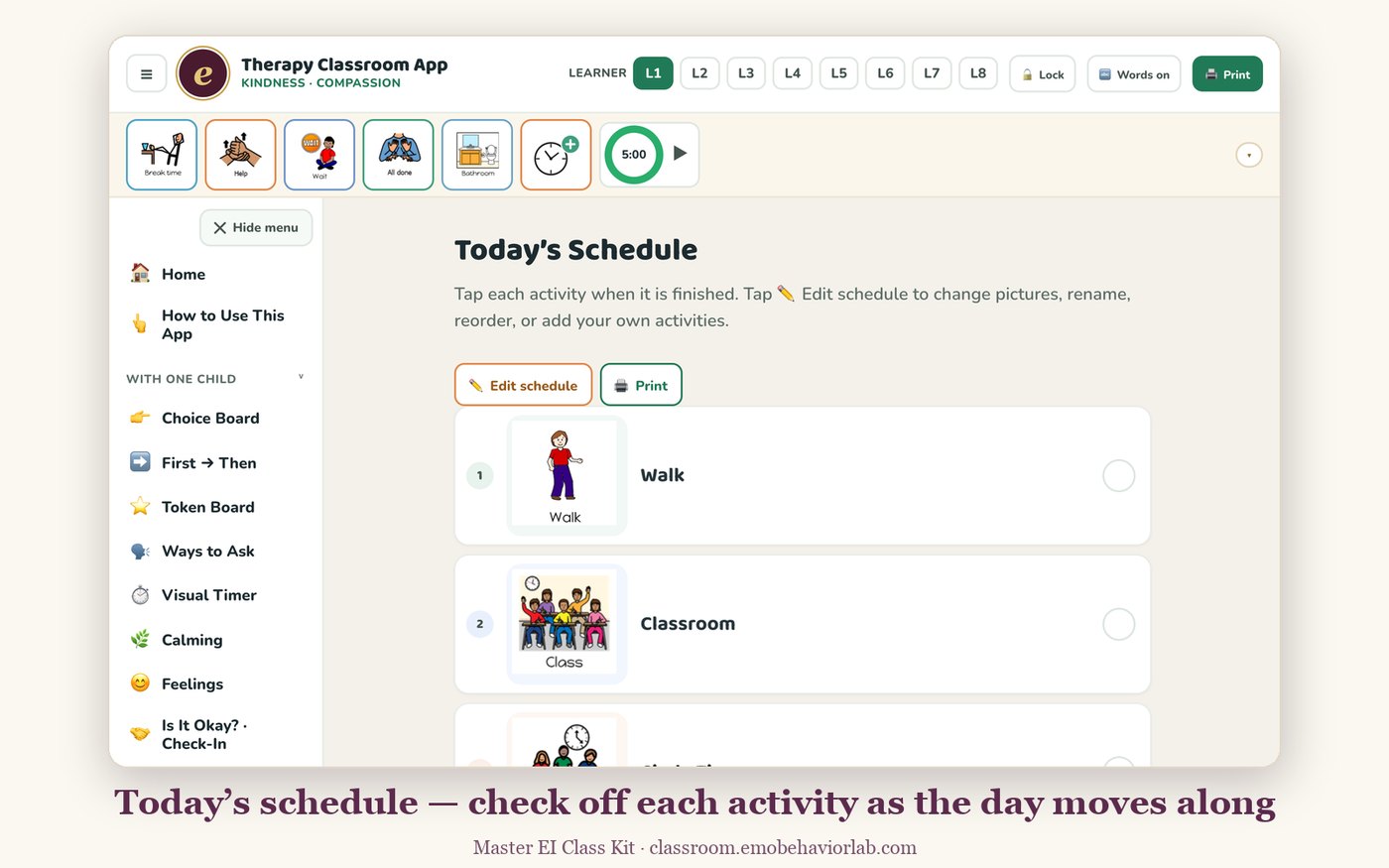
Visual Schedules
Today’s schedule and activity cards. Drag to reorder, swap in your own photos, print for the wall.
02
First → Then
The transition workhorse. Set both sides in two taps and hand it to the learner.
03
Token Boards
Themed boards with adjustable goals. Each learner keeps their own reinforcer and token count.
04
Ways to Ask
Communication cards for break, help, more, wait, all done — plus a printable card board for AAC practice.
05
Calming & Feelings
Guided breathing, calming choices, and a feelings check-in for co-regulation before things escalate.
06
Visual Timer
A big, quiet countdown that makes waiting visible instead of abstract.
07
Bathroom Routine
Step-by-step toileting and hand-washing sequences with girls’ and boys’ versions.
08
Social Stories & Circle Time
Ready-made stories and group-time blocks, including letter of the day.
09
Counter & Data
Tally what matters in the moment, then export a CSV for graphing.
New · The Activity Library
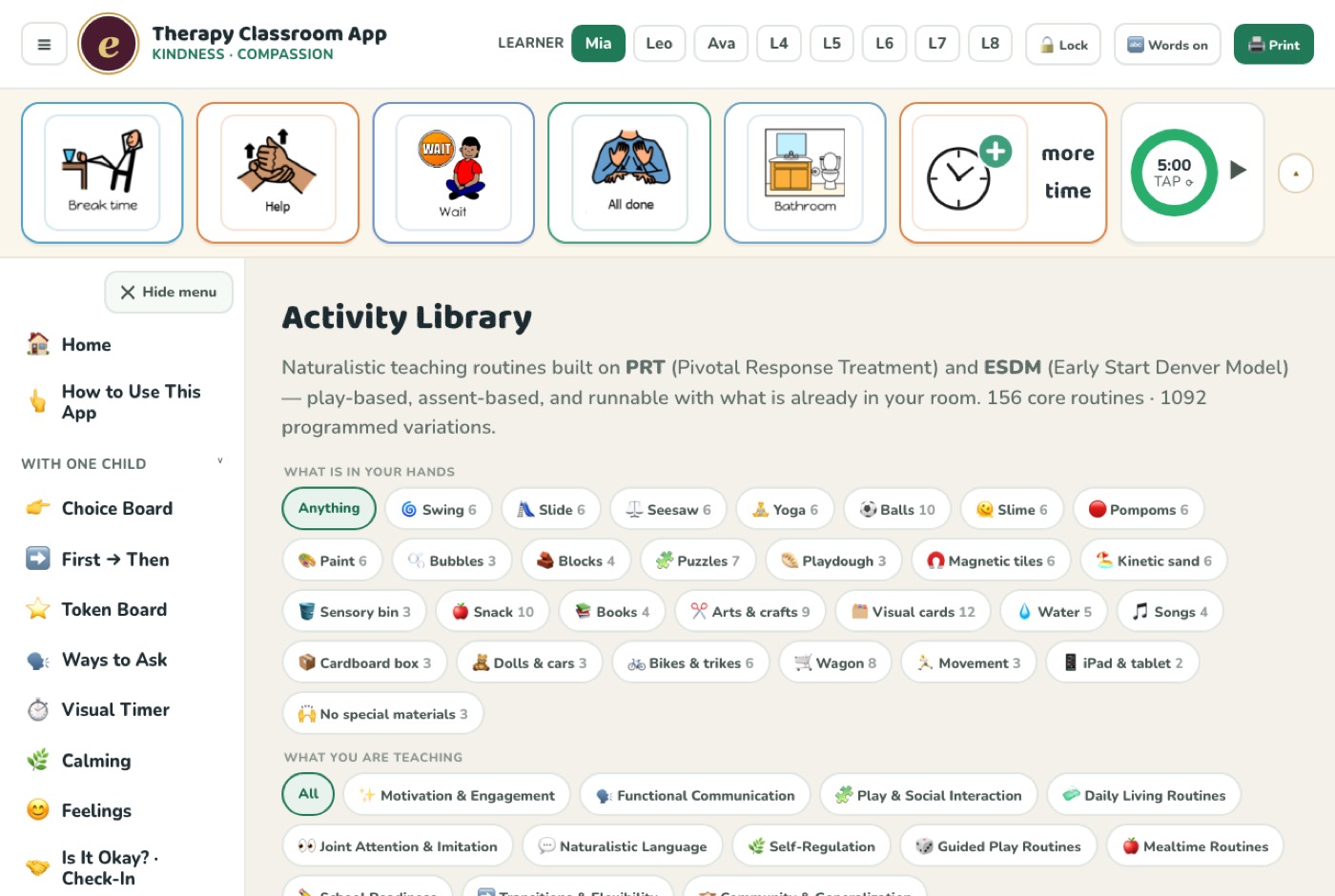
156 routines, found by what’s in your hands.
Every RBT knows the moment: the learner is finally regulated, you’re holding the bubbles, and your brain is empty. Curricula are organized by domain. Staff think in objects. So the library is indexed the way people actually search.
Tap what you’re holding. Swing → six routines. Slime, playdough, bubbles, wagon, magnetic tiles, kinetic sand, puzzles, snack, pompoms, paint — or “no special materials.” Twenty-eight material kits in all.
Filter by material, domain, or levelToday’s Play Plan — a balanced session in one tap
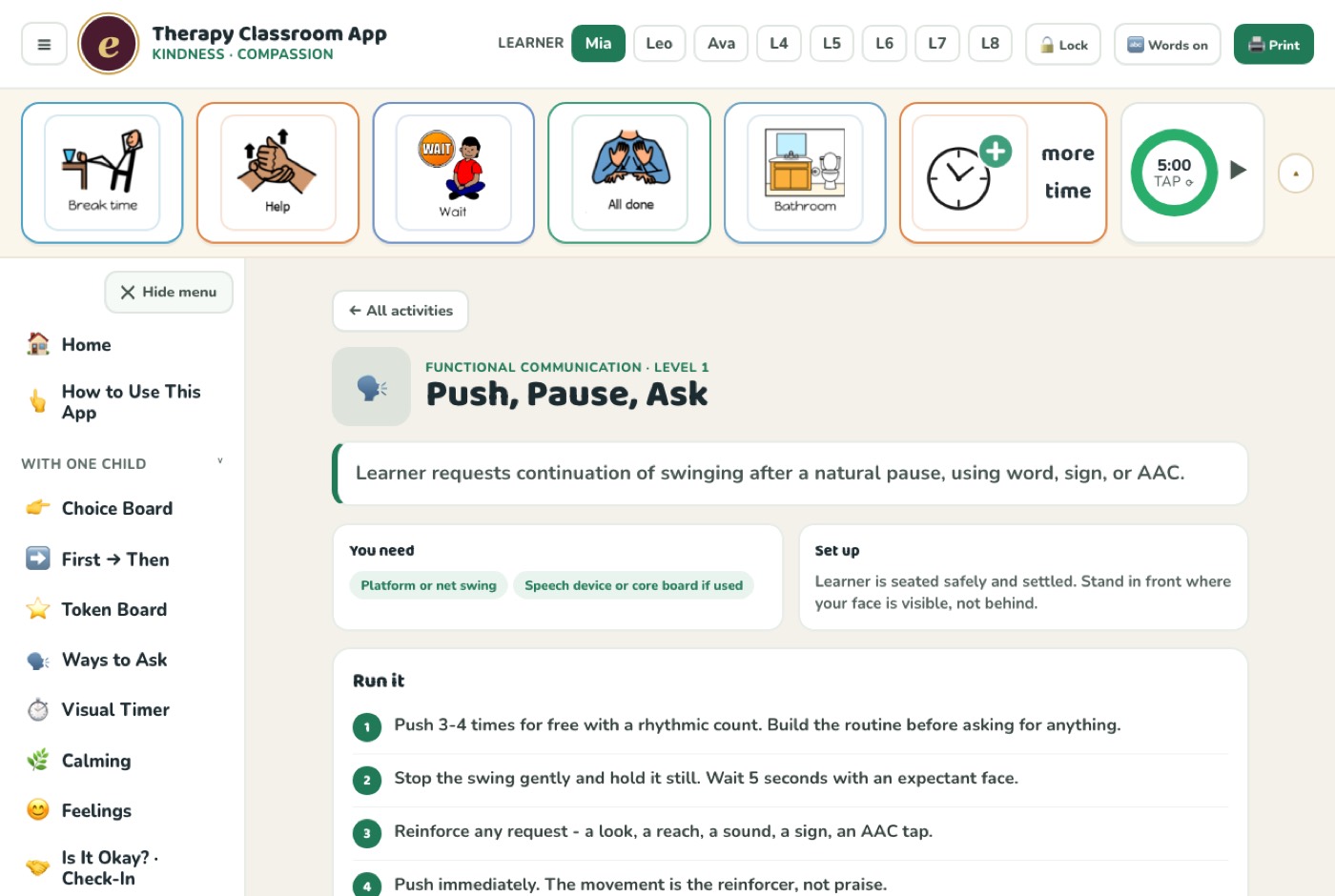
What every routine gives you
A clear objective — what the learner is actually building
Materials and 60-second setup — nothing to buy, nothing to prep
Four to six numbered steps an RBT can run cold, off a phone, mid-session
The exact words to say — scripts, not vague coaching
Easier and harder versions for the learner in front of you
Four generalization variations — different material, person, setting, and time
What data to take, with a concrete mastery target
The teaching components used — natural reinforcement, shared control, turn-taking — so supervisors can assign practice by component
Honest troubleshooting — the most common way it goes wrong, and what that means
Grounded in PRT and ESDM. Pivotal Response Treatment and the Early Start Denver Model — two of the best-supported naturalistic developmental behavioral interventions in autism intervention. Every routine is assent-based and play-based, and names the components it uses. Pairs with the free Goal Bank for writing the goals these routines target.
Setup
Running in your room in about two minutes.
Open it on the device you’ll actually use. Go to classroom.emobehaviorlab.com on the classroom iPad or your phone and enter your access code.
Add it to the home screen. On iPad or iPhone, tap Share then “Add to Home Screen.” On Android, the ⋮ menu then “Install app.” It now opens like any other app — and works with no internet.
Run the setup wizard. Name your room, add your learners (initials are fine), pick your schedule template, and choose English or Español.
Start with the Activity Library. Tap whatever material is already out — bubbles, blocks, the swing — and run one routine. That’s the fastest way to see what it does.
Kid Lock is your friend. One tap freezes the board so little fingers can’t reconfigure anything mid-session. Staff hold to unlock.
Try it free
Three months, everything unlocked, no card.
Use it with real learners in your real room before deciding anything.
Free trial access code
tryclassroom
Open classroom.emobehaviorlab.com and enter that code. Full access for 90 days — every board, all 156 routines, both languages.
No. It opens in any browser. Add it to your tablet’s home screen and it launches like a native app — and works with no internet after the first open, which matters in buildings with bad wifi.
Is any child data collected?
None. There are no accounts and no server storing learner information. Names, photos, and settings live on that device and nowhere else. That said, it is a classroom tool and not a HIPAA-secured record system — use initials, and keep protected health information in your agency’s system of record.
Is it really bilingual?
Yes — every board and all 156 activity routines have a full Spanish edition, switchable any time. It was built bilingual from the start, not translated afterward.
What are PRT and ESDM?
Pivotal Response Treatment and the Early Start Denver Model — two well-supported naturalistic developmental behavioral interventions. Each routine names the components it uses, so a supervisor can assign practice by component rather than by activity.
Who is this for?
BCBAs, RBTs, special-education teachers, early-intervention teams, and speech and occupational therapists who share a classroom. Families use it at home too, on a parent access code.
Can a whole team use it?
The $77 license covers one classroom — every device and staff member in that room. For multiple classrooms or agency-wide licensing, get in touch through the site.
Does it replace a treatment plan?
No. These are teaching materials and visual supports. They support — never replace — each learner’s individualized plan and your clinical judgment.
Built by a BCBA who’s in the room every day.
I’m Lia — a bilingual behavior analyst running clinic-based early intervention with autistic kids ages 18 months to 6 years. I built this because I was tired of hunting for the right visual mid-session, and because every RBT I supervised hit the same wall.